This article is a step-by-step guide on manually editing the code of different sections or elements on your website using the AI Editor on Graphy. The Code Edit option allows you to directly modify the HTML structure and styling of a selected section. This is useful when you want precise control over design, layout, or custom styling changes.
Step 1: Click on the section or specific element that you want to edit. Make sure the correct section is selected before proceeding.
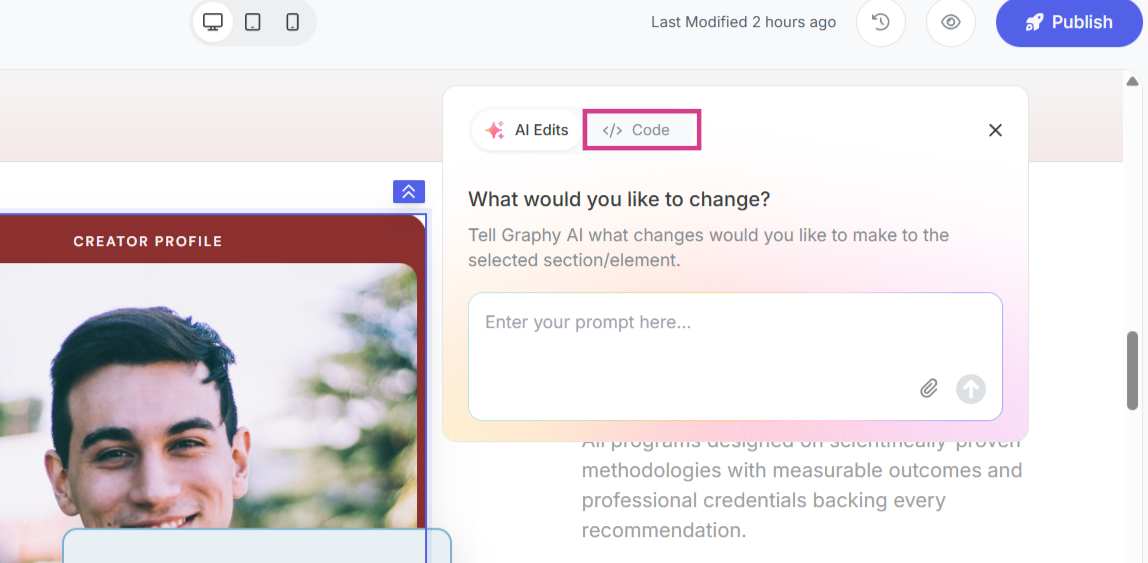
Step 2: In the Edits tab, switch on the Code.
Step 3: You will now see the HTML and CSS code for the current selected section or element. You can edit and modify the code or also paste custom code for the section.
Note: Ensure that the HTML structure is not broken while editing. Incorrect code changes may impact the layout of the section.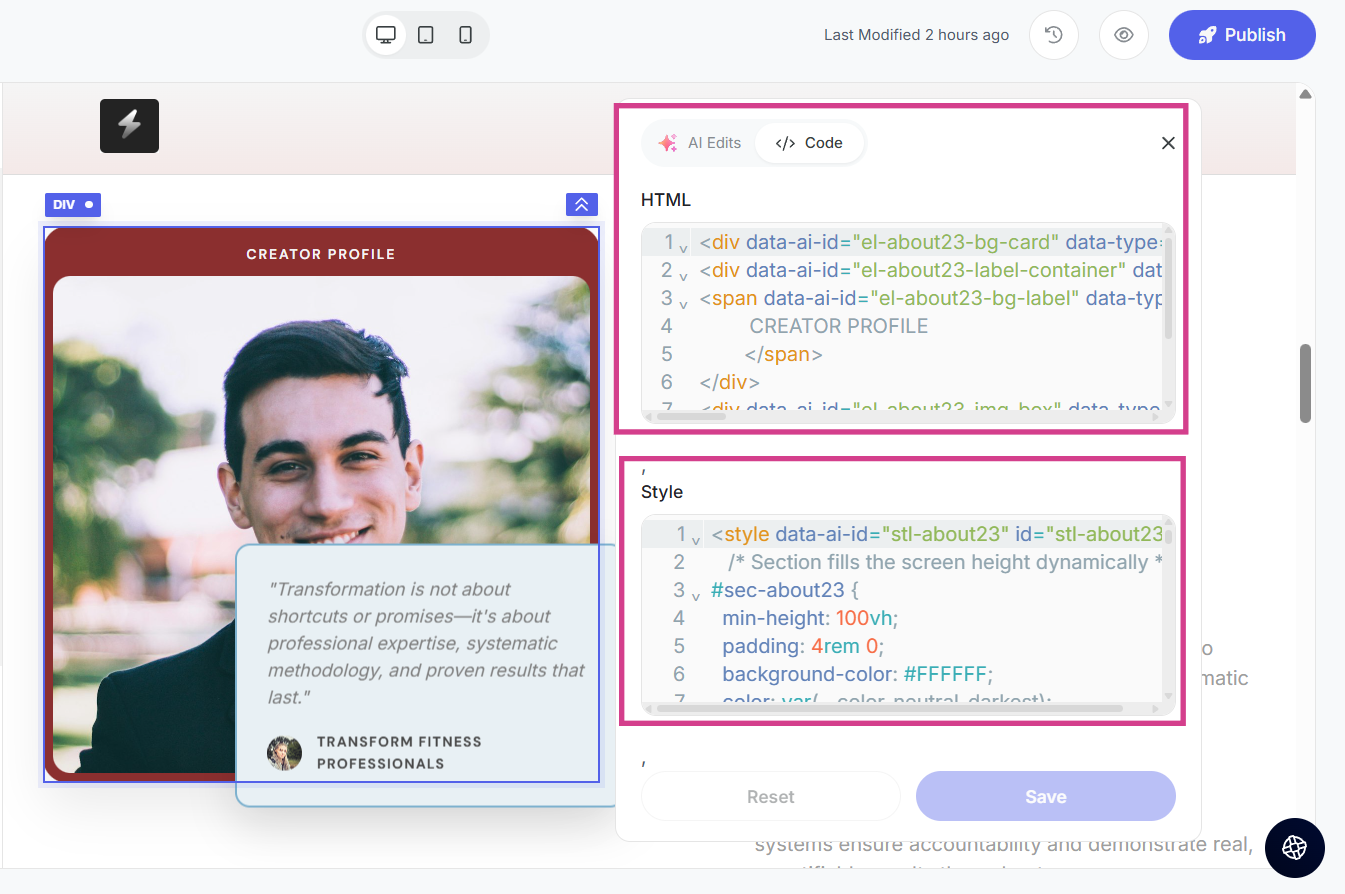
Step 4: After making the required changes, click on Save to apply the updates to your webpage.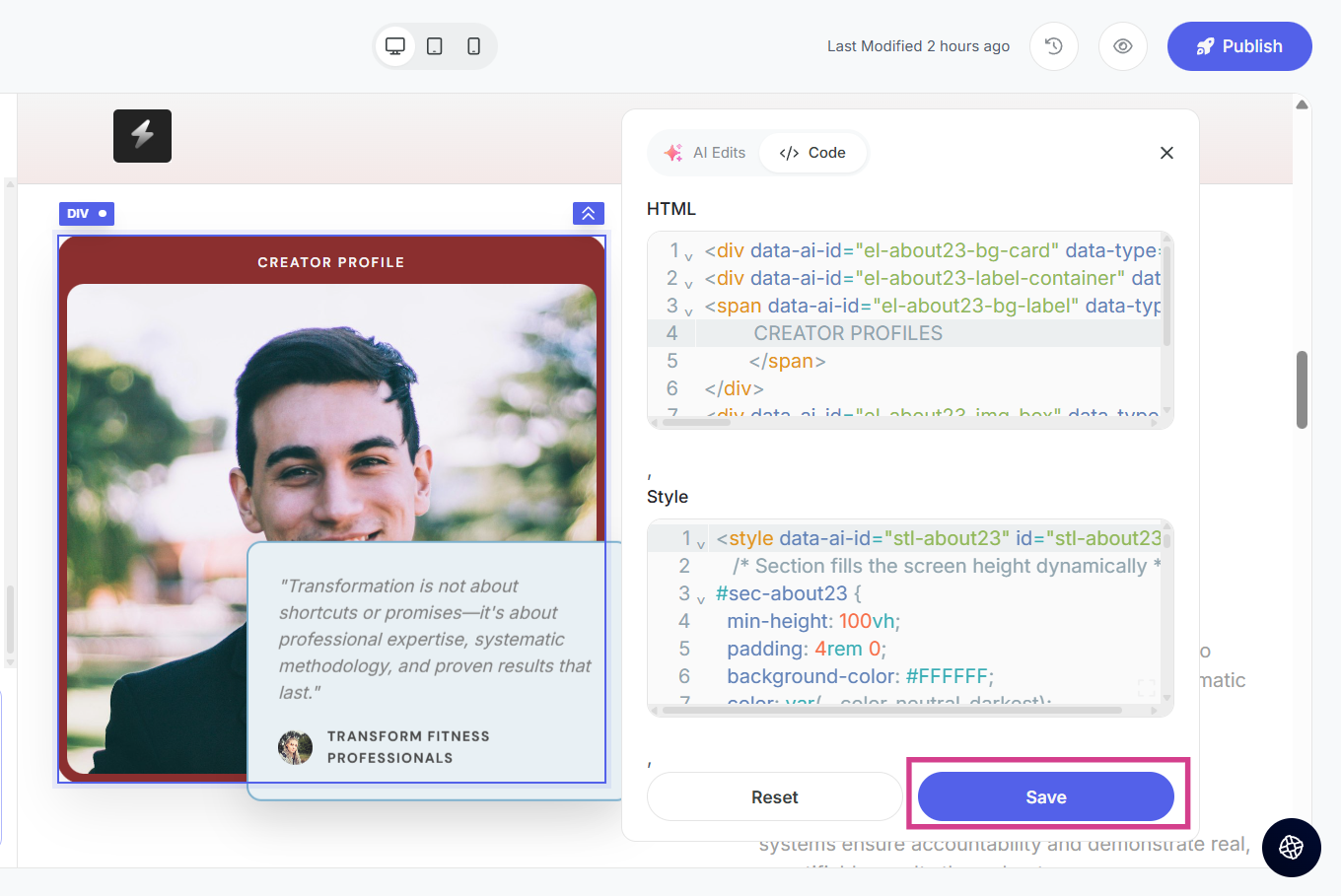
Was this article helpful?
That’s Great!
Thank you for your feedback
Sorry! We couldn't be helpful
Thank you for your feedback
Feedback sent
We appreciate your effort and will try to fix the article